HouseBuilder — Building Kits Fast Enough to Iterate
Context / The Problem
I needed to create a lot of architecture for Island Crossing, but searching 3D asset marketplaces was a pain. Most assets didn’t fit the style, weren’t optimized, or were too expensive. Traditional 3D tools like Blender or UE are powerful, but they’re not built for fast, architecture-specific workflows. I wanted something that felt more like The Sims—where the building blocks are walls, roofs, doors, and windows, not just cubes and spheres. I wanted to make game-ready assets in minutes, not hours or days.
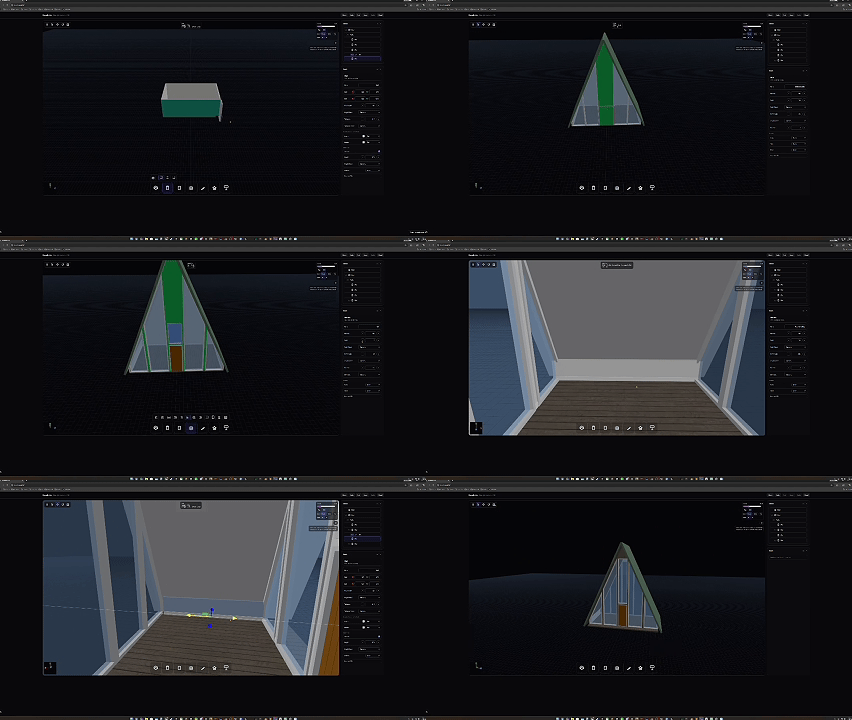 A Frame Build
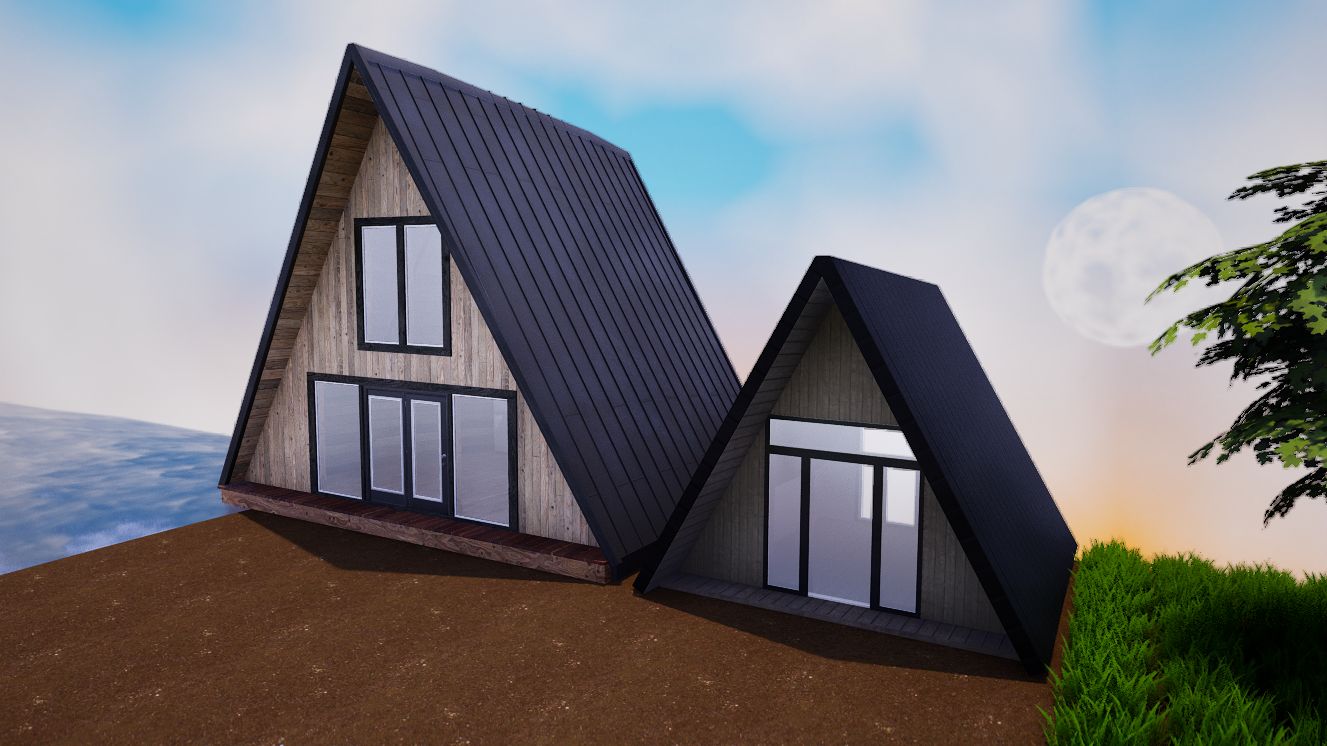 UEFN Side-by-Side Comparison
The Solution (What it Does)
HouseBuilder is an app I built to make generating architecture assets fast and easy. It speaks the language of architecture—walls, floors, roofs, doors, windows—so I can design buildings the way I think about them. It exports optimized, game-ready models with UVs and materials, ready to drop into UEFN. I even recreated an A-Frame I bought online, but with a fraction of the triangles and way more flexibility.
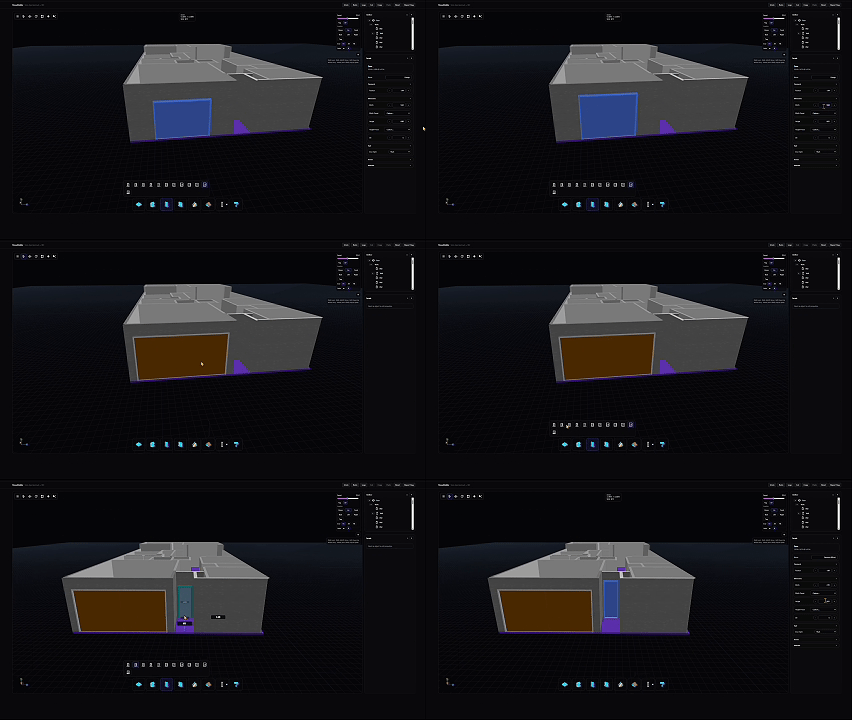 Selecting and placing doors
User Story (How I Use It)
I open HouseBuilder, pick a style preset, and adjust a few parameters—footprint, height, roof type. I hit generate, and I get a new building variation. I can drop it straight into the scene and iterate immediately. Instead of spending hours tweaking meshes, I can try out ideas in minutes. The workflow feels more like playing than grinding.
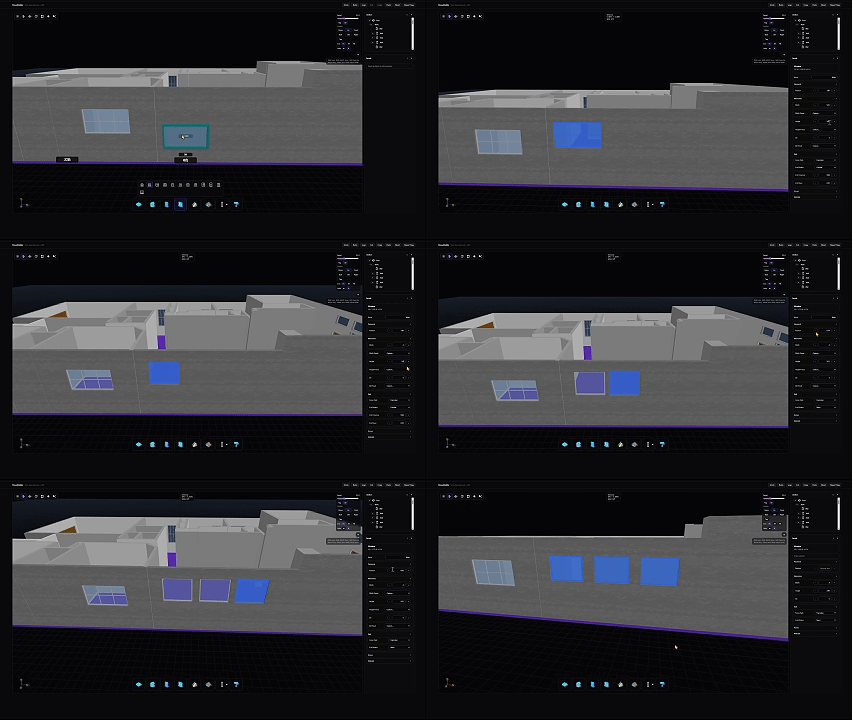 Adjusting window layouts
What it can do today (Draft Scope)
- Generate architecture assets with real-world constraints
- Fast iteration and style exploration
- Exports optimized, game-ready models (with UVs/materials)
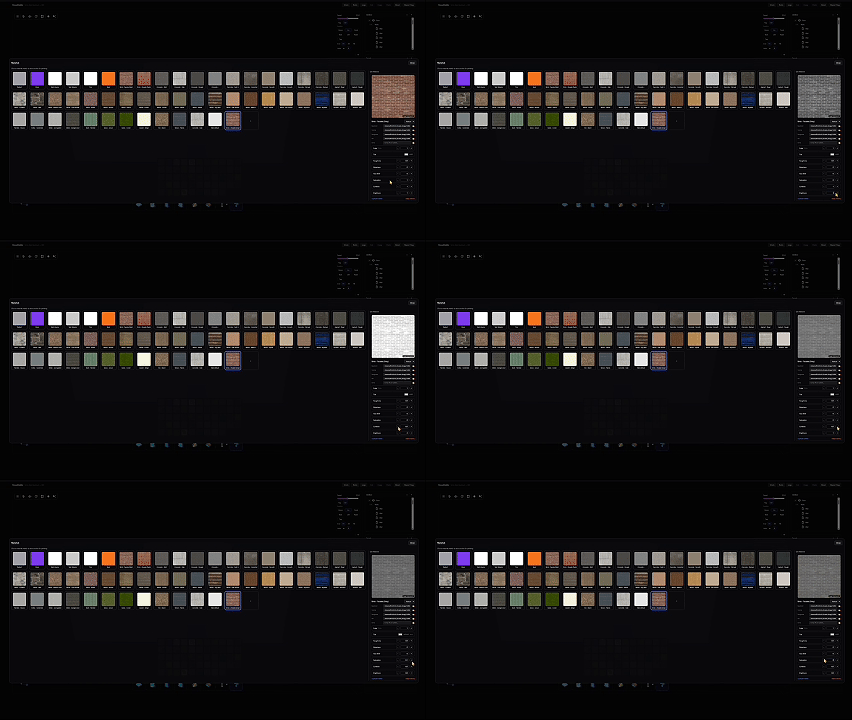 Real-time material editing
What it intentionally isn’t
- A one-click “make art” button
- A replacement for an environment artist
It’s a force multiplier for my workflow.
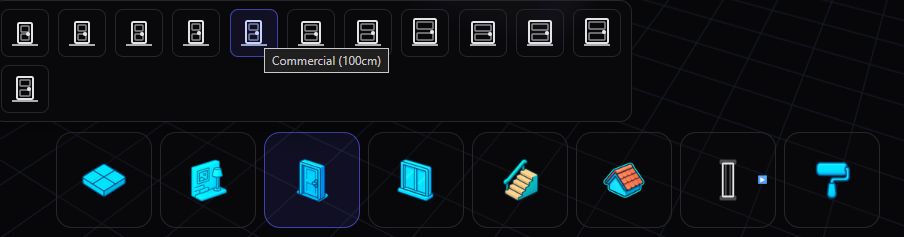 Contextual menus for components
Media to add later
- Parameter panel screenshot
- “Adjust footprint → regenerate” GIF
- A grid of generated variations
Summary
What it solves for me:
- Cuts iteration cost so I can explore more.
- Turns modular rules into a repeatable workflow.
What I’ve learned:
- The best procedural tools are constraint systems, not randomness.
- Speed changes taste: when iteration is cheap, you try better ideas.