Day 51 — Crafting Station Rollback, Server Controls, and Marketing Tooling
Context
Today was entirely consumed by a single, difficult issue that directly threatened stability. The focus shifted from adding features to making hard trade-offs to protect the build and unblock player feedback.
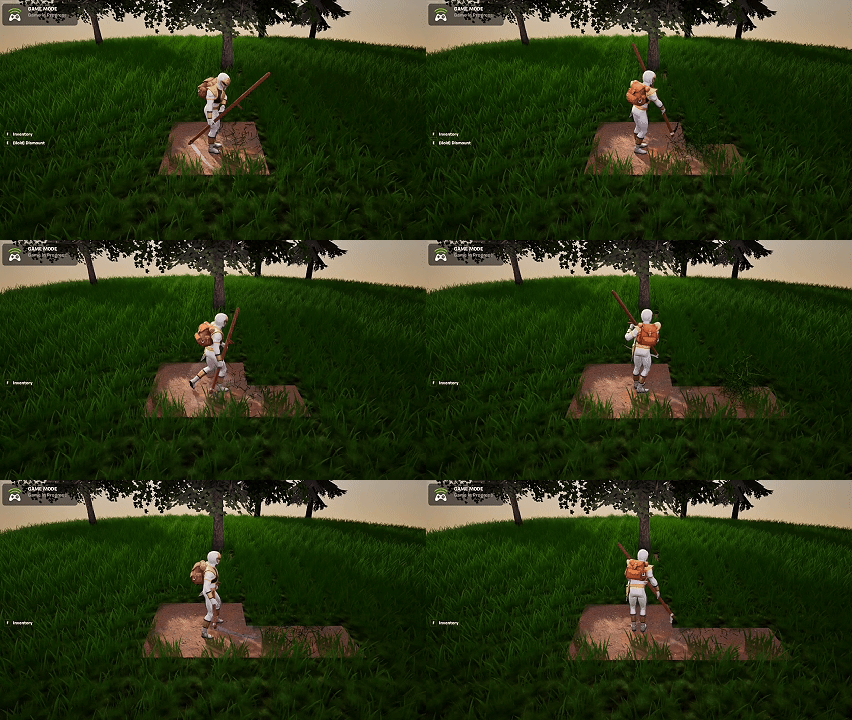 Day 51 preview
Crafting Station Bug & Rollback
I spent the entire day chasing a bug where the Crafting Station was not loading correctly when placed inside the home. The issue wasn’t isolated to visuals—it caused deeper problems that were effectively game-breaking.
After exhausting reasonable fixes, I made the call to remove this functionality for now:
- Crafting Stations can only be placed and used outside of the home
- Interior crafting will be revisited later with a cleaner approach
This wasn’t ideal, but stability and player feedback matter more than feature completeness at this stage.
Server Optimization Helper
I created a new helper device that lets me tune server-side behavior more easily, including:
- The rate at which items are spawned
- How frequently the player’s target tile is updated
This gives me better control over performance and makes it easier to experiment without deep code changes.
Tile Debug & Marketing Tool
I also built a second helper device that:
- Prints the contents of every tile in the world
- Allows me to manually construct a scene
- Saves that data so it can be reloaded later
This will be especially useful for creating repeatable scenes for screenshots, trailers, and other marketing materials.
Summary
What I accomplished:
- Identified and contained a game-breaking Crafting Station bug.
- Temporarily removed interior crafting to stabilize the build.
- Built a server optimization helper device.
- Created a tile-inspection tool for scene building and marketing.
What I learned:
- Cutting features can be the fastest path forward.
- Stability is a prerequisite for meaningful player feedback.
- Internal tooling pays off in both development and marketing.