Day 55 — Orientation Kickoff, Dialog UI, and Mission Framework
Context
Today marked the real start of the Orientation experience. The goal here is to introduce players to the game’s systems in a guided, narrative-driven way, without overwhelming them. This is also the first time I’m building systems that are explicitly designed to teach rather than just function.
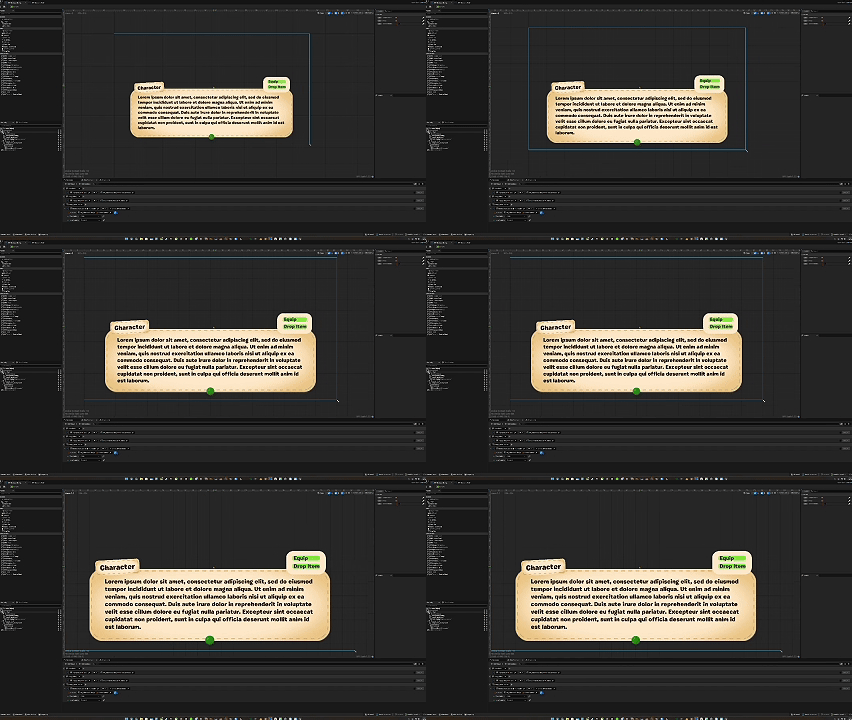 Day 55 preview
Parallel Work: Systems vs. UI
I split the work today into two parallel tracks:
- I had the AI agent begin scaffolding the engineering side of the new Orientation systems.
- In parallel, I focused on building the user-facing widgets that these systems will rely on.
This helped keep momentum while still letting me stay close to the UX-critical pieces.
Character Dialog UI
I built out the initial UI for character dialog, which will be used to:
- Deliver narrative context
- Explain mechanics in-world
- Guide players through early objectives
The emphasis here is clarity and tone—this needs to feel calm, readable, and aligned with the cozy pacing of the game.
Missions / Challenges UI
I also created the first pass of the Missions UI (quests, challenges, objectives). This will act as the backbone for Orientation goals and future progression beats.
Right now, the focus is on structure rather than polish:
- Clear objective hierarchy
- Simple visual language
- Easy extensibility for future content
Early Engineering Testing
I did some light testing of the systems the agent produced, but didn’t get far enough to confidently report on behavior yet. That work will continue tomorrow once the UI and system logic start converging.
Summary
What I accomplished:
- Kicked off development of the Orientation experience
- Built initial Character Dialog UI
- Built initial Missions / Challenges UI
- Delegated early system scaffolding to the AI agent
What I learned:
- Teaching systems require different UX priorities than core gameplay
- Dialog and mission structure need to be designed together
- Parallelizing UI and system work helps maintain momentum early on