Audio Editor — Game Audio Prep Without Adobe
Context / The Problem
Editing audio for games is a grind when you have a ton of files. I needed to trim, level, convert, and export everything to exact specs—over and over. I knew the workflow I wanted (classic editor, multitrack session), but I didn’t want to pay for Adobe, and the free tools just didn’t fit my brain. I wanted something local, fast, and focused on game audio prep, not a full DAW.
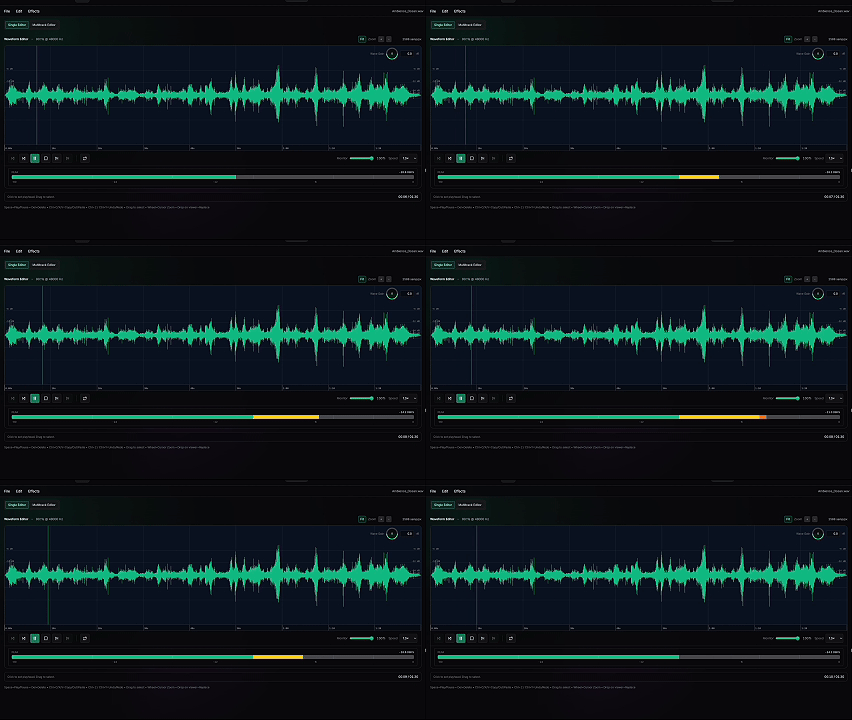 Single Editor Playing
The Solution (What it Does)
Audio Editor is an app I built to make game audio prep fast and local-first. It’s scoped to exactly what I need: a waveform editor for destructive edits, and a multitrack editor for arranging and mixing. I can drag in files, edit, export, and move on—no bloat, no learning curve. The goal isn’t to replace a DAW, just to get from raw SFX to UEFN-ready assets as quickly as possible.
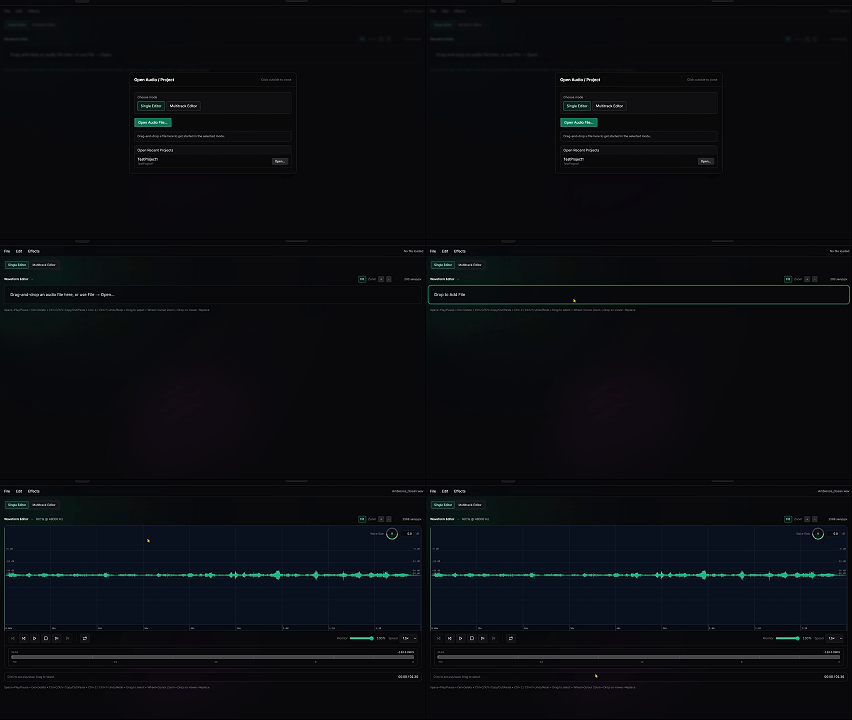 Dashboard → Single Editor
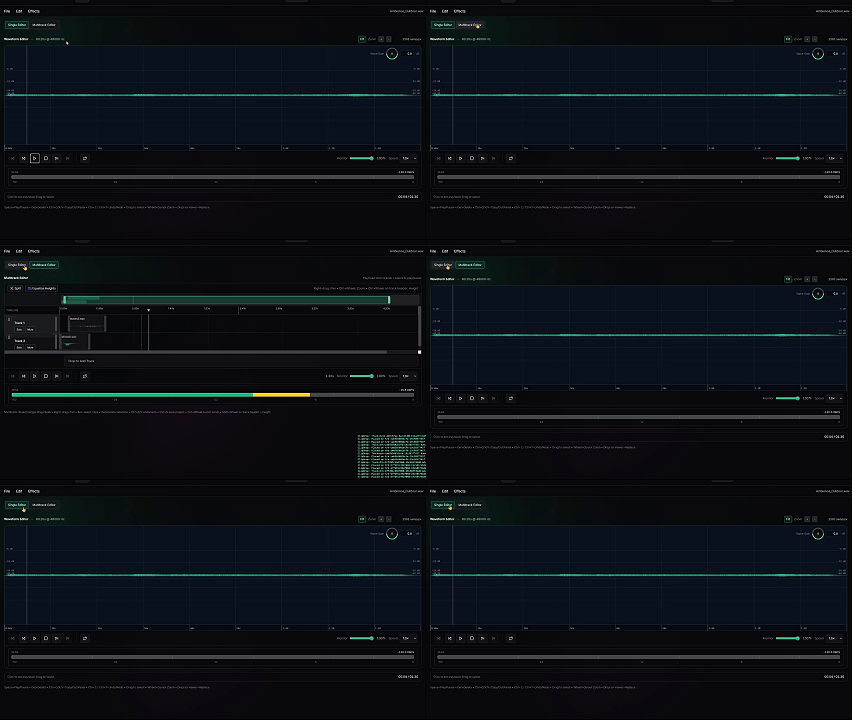 Single ↔ Multitrack toggle
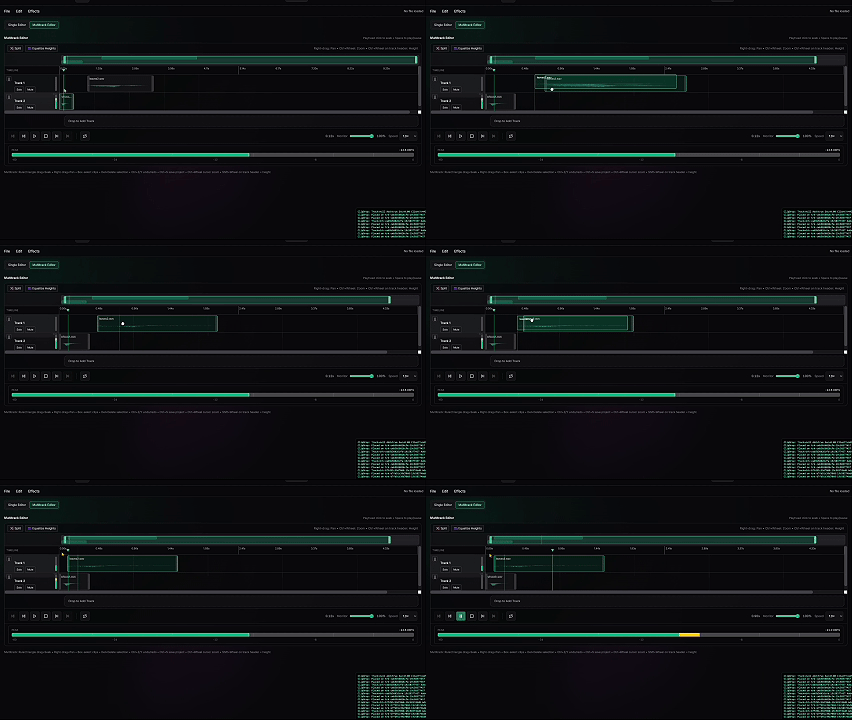 Multitrack Editor Drag Edit Clips
What I can do today (Alpha)
-
Quick Edits: Open audio files directly in the browser.
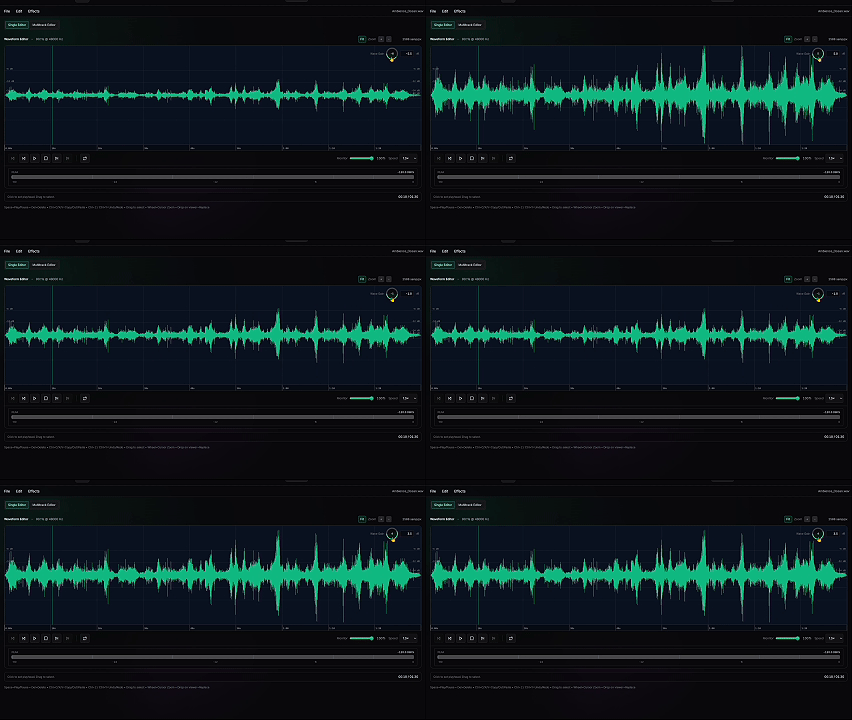 Waveform: gain adjustment
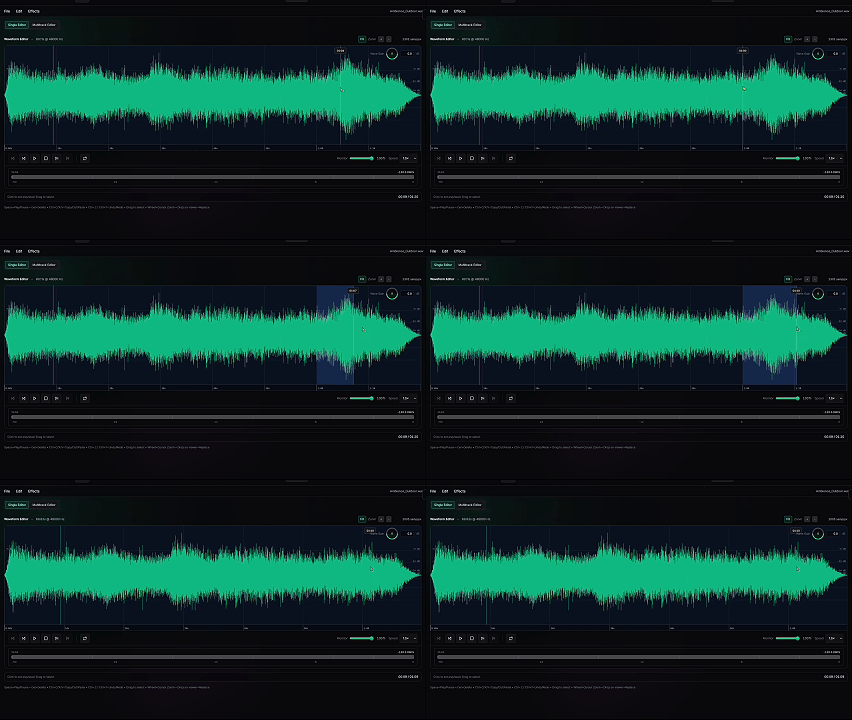 Waveform: delete selection
 -
Multitrack assembly: Drag and drop clips to arrange.
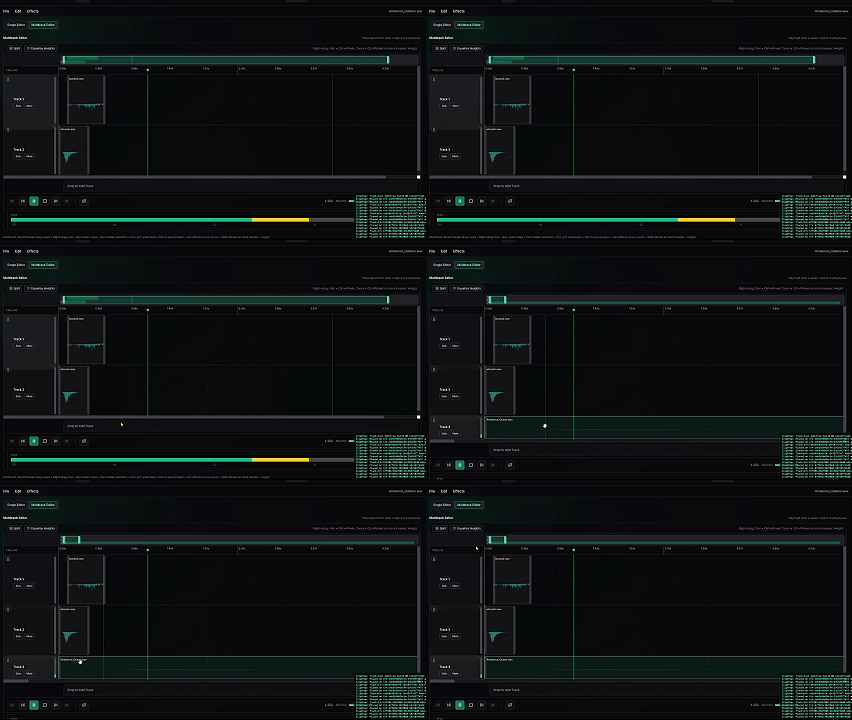 Multitrack: drag-and-drop import
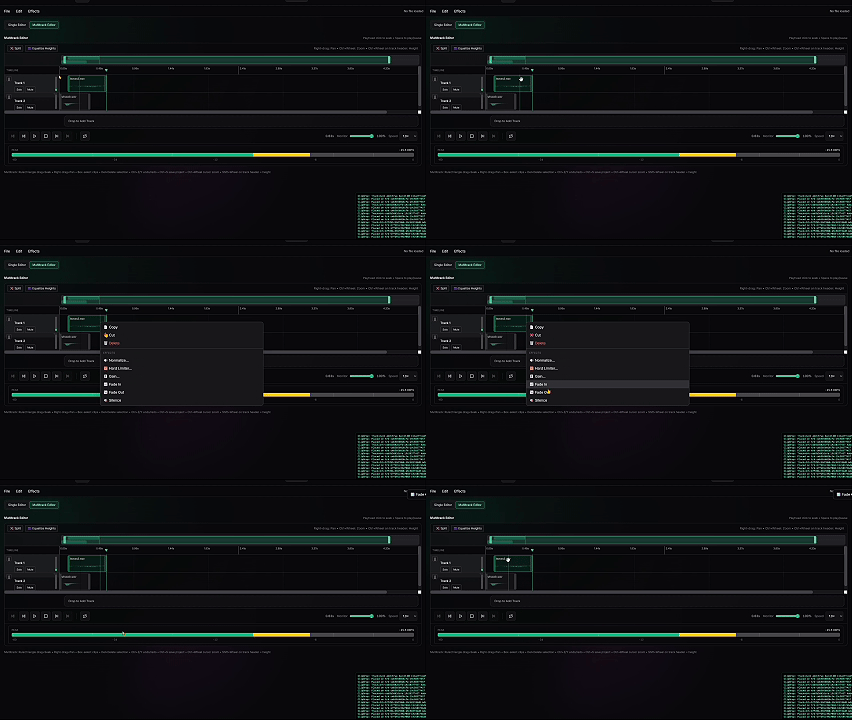 Multitrack: context actions (fade out)
 -
Waveform editing: cut/copy/paste, delete, silence, fade in/out, selection gain
-
Transport: play/pause, stop, loop, playback speed, monitor volume
-
Undo/redo for waveform edits
-
Effects: normalize peak, hard limiter
-
Export: WAV with configurable sample rate, bit depth, mono/stereo
-
Multitrack: add/arrange/trim/split/mute/solo/mixdown
-
Projects: save/load sessions locally (JSON)
What I cannot do yet (By Design / Not Implemented)
- No spectral editor (no frequency paint / spectral repair)
- No effects rack chain (beyond the few “get it shipped” operations)
- No batch processing across many files
- No OGG export (WAV is the current target; OGG is on the roadmap)
- No recording workflow
- No deep DAW features (automation lanes, buses, plugins, tempo grid, etc.)
Technical Deep Dive
Audio editing is math, and I wanted that math to be testable, fast, and cleanly separated from the UI. The core is pure audio math (gain, fades, edits, normalize/limit, mixdown, resample, WAV encoding). State and undo are handled in the store, and the UI is just dumb renderers. Because it’s browser-based, I’m limited to what decodeAudioData() supports, but that keeps it local-first: drag in a file, edit, export, done. The hardest part was getting the workflow right—selection math, undo, and multitrack without turning the UI into a mess.
The Impact
I built Audio Editor in a day to avoid death-by-a-thousand-cuts for the rest of the project. The real win is momentum: I could vibe-code the first version while juggling other apps, because the tool is scoped to exactly what I need for game audio prep.
User Story (How I Use It)
I open Audio Editor, drag in a batch of SFX, and start trimming, leveling, and arranging. I can quickly export everything in the right format for UEFN. If I need to do multitrack work, I just switch views and mix down. The whole process is fast, local, and focused—no distractions, no bloat. I get back to building instead of fighting my tools.
Summary
What it solves for me:
- Game-audio prep without paying for Adobe or learning a new UX.
- A fast path from raw files → consistent, exportable WAV assets.
What I’ve learned:
- Tooling is often a workflow decision, not a technical one.
- Strict layering pays off immediately when UI interactions get complicated.
- When the goal is leverage, a focused “alpha” beats a perfect product.