Island Crossing Map Designer — Authoring the World Like a System
Context / The Problem
I have randomly-generated maps for each player’s island, but I also needed some preset maps for testing, marketing, and gameplay. My first use case was Orientation Island—every new player should have the same experience. Explaining layouts to the AI wasn’t working, and troubleshooting was a pain. I needed a way to visualize, edit, and export maps quickly, using the actual in-game catalog of items.
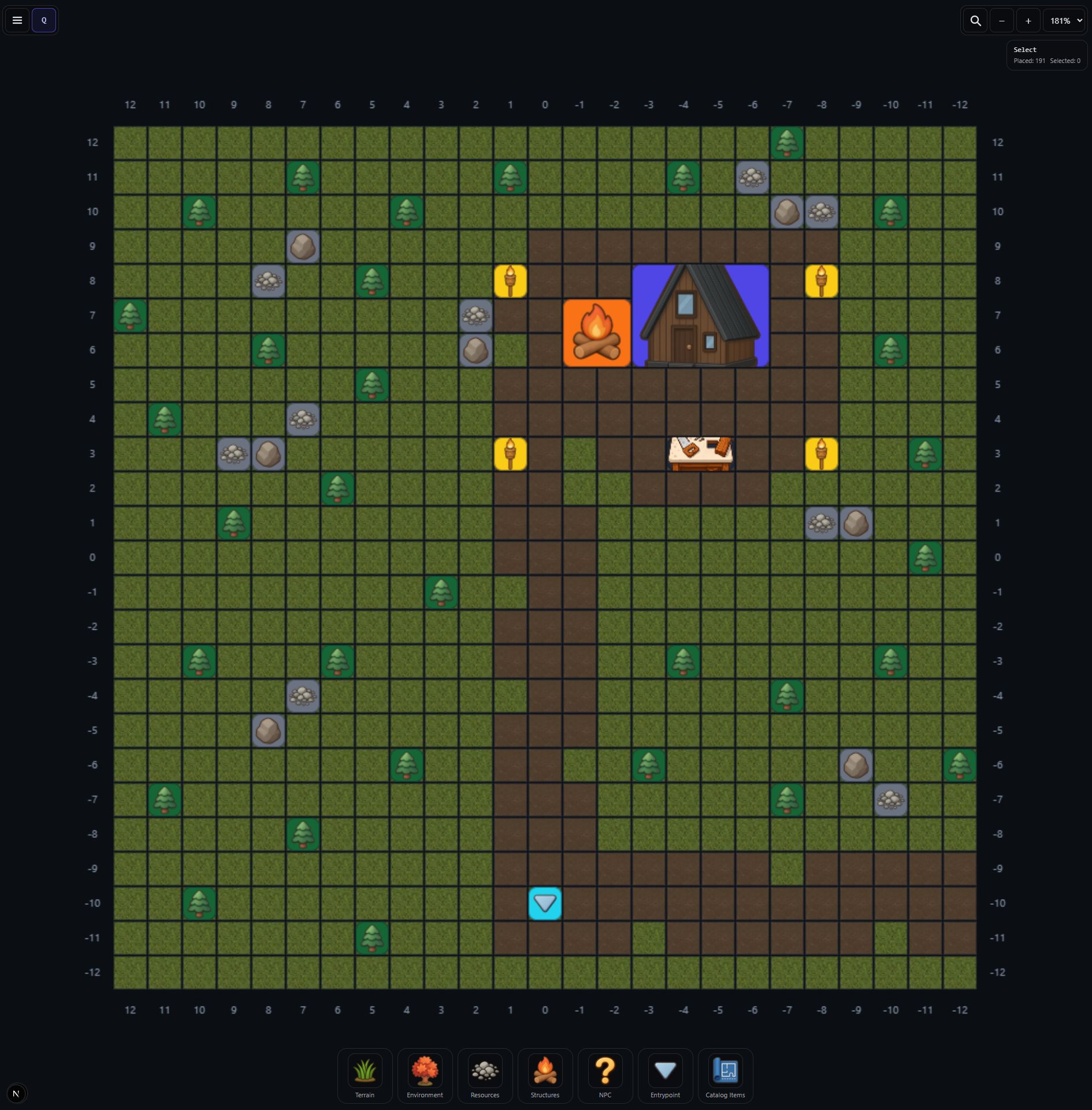 Orientation Island Map Design
The Solution (What it Does)
Island Crossing Map Designer is an app I built to visualize and author maps for Island Crossing. I can place and label points of interest, define regions, and export a JSON file that my agents can use to generate islands in UEFN. It’s fast to update, easy to iterate, and lets me create unique islands for any use case—testing, marketing, or gameplay.
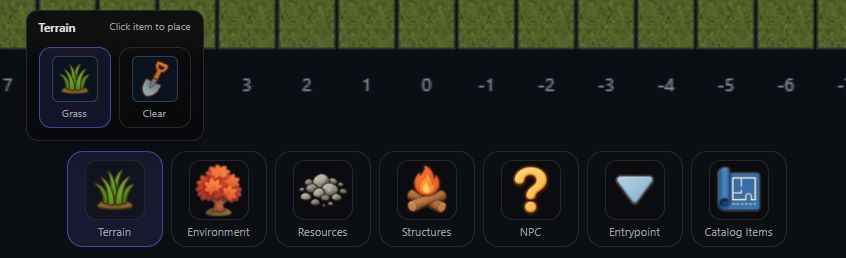 Terrain Menu
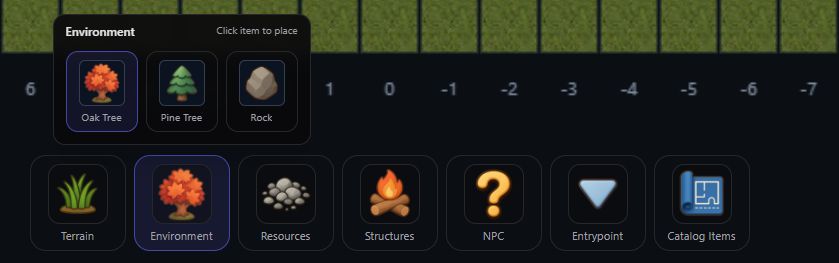 Environment Menu
User Story (How I Use It)
I open the Map Designer, pick a preset or start from scratch, and drag items onto the map. I can color regions, label points, and see how everything fits together. When I’m happy, I export the map as JSON and use it to drive UI, mission logic, or generate new islands. If I need to tweak something, I just update the map and re-export—no more manual syncing.
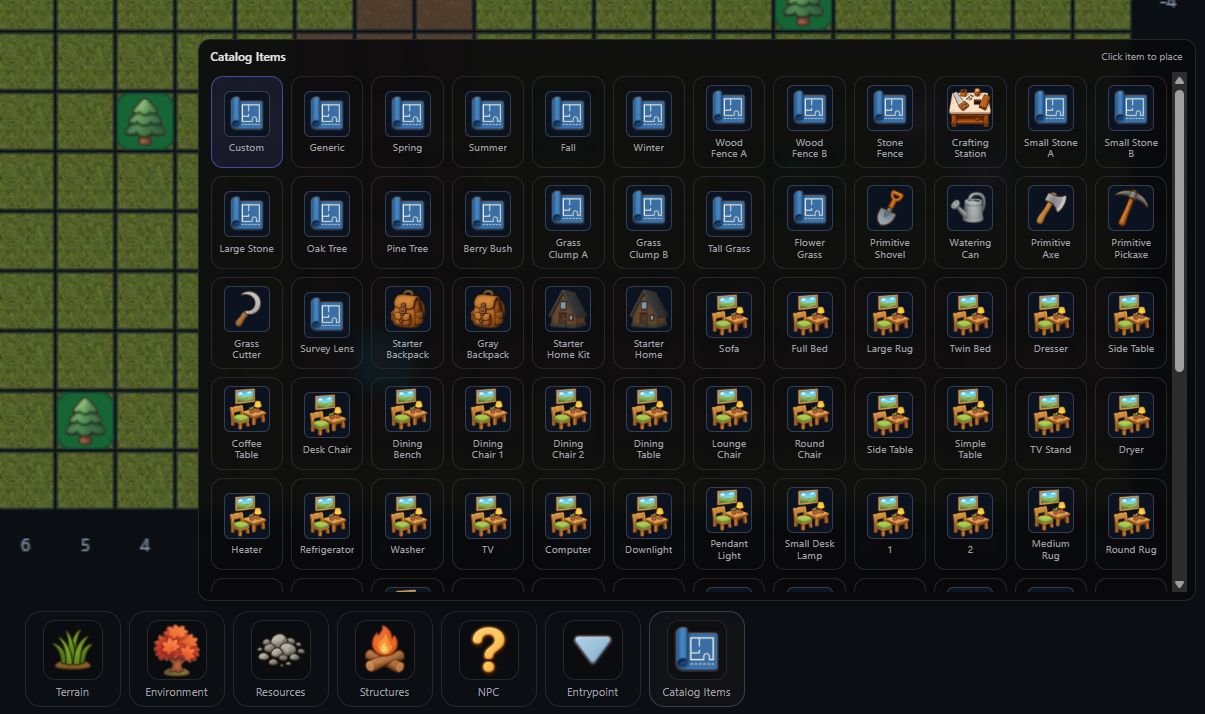 Catalog Items Menu
What it can do today (Draft Scope)
- Visual map editing with in-game items
- Define regions/zones and label points
- Export structured data for UEFN/agents
What it intentionally isn’t
- A general-purpose GIS tool
- A painter app
It’s a game-specific authoring workflow for Island Crossing.
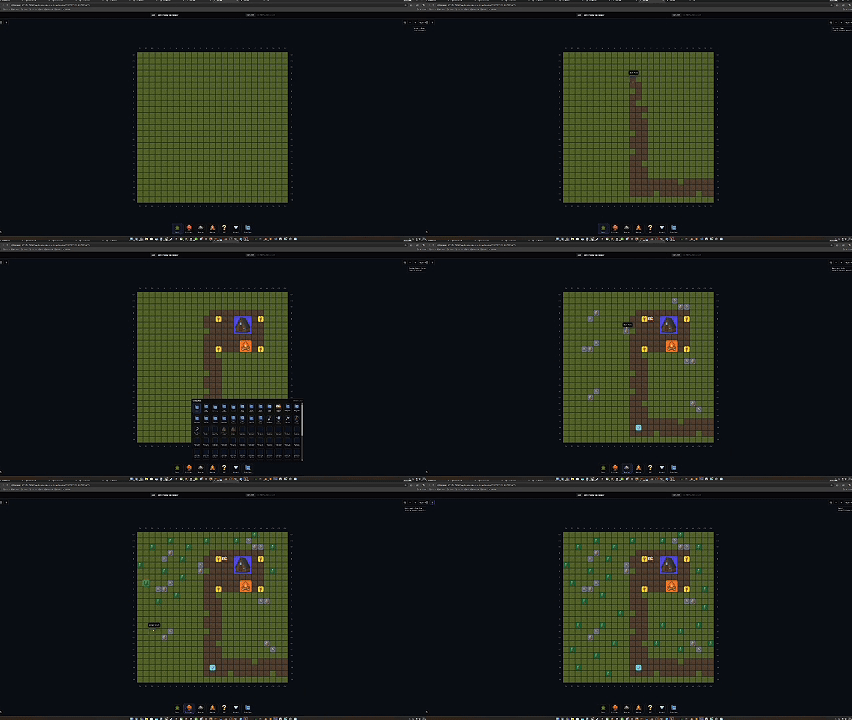 Timelapse of Orientation Island Map Design
Media to add later
- POI placement screenshot
- Region editing demo GIF
- Exported data preview screenshot
Summary
What it solves for me:
- Makes the map the single source of truth.
- Reduces drift between design, UI, and mission logic.
What I’ve learned:
- Content systems scale when the authoring tools produce structured data.
- “A map” is a system boundary, not an image.