MaterialBuilder Material Iteration Without the Pain
Context / The Problem
Creating materials for UEFN is a huge bottleneck. There’s a learning curve, and if you don’t know how to make what you want, you end up following tutorials step-by-step, hoping it turns out right. I wanted a way to generate materials quickly, using the same node library as UEFN, and leverage AI to help me build complex graphs without getting stuck.
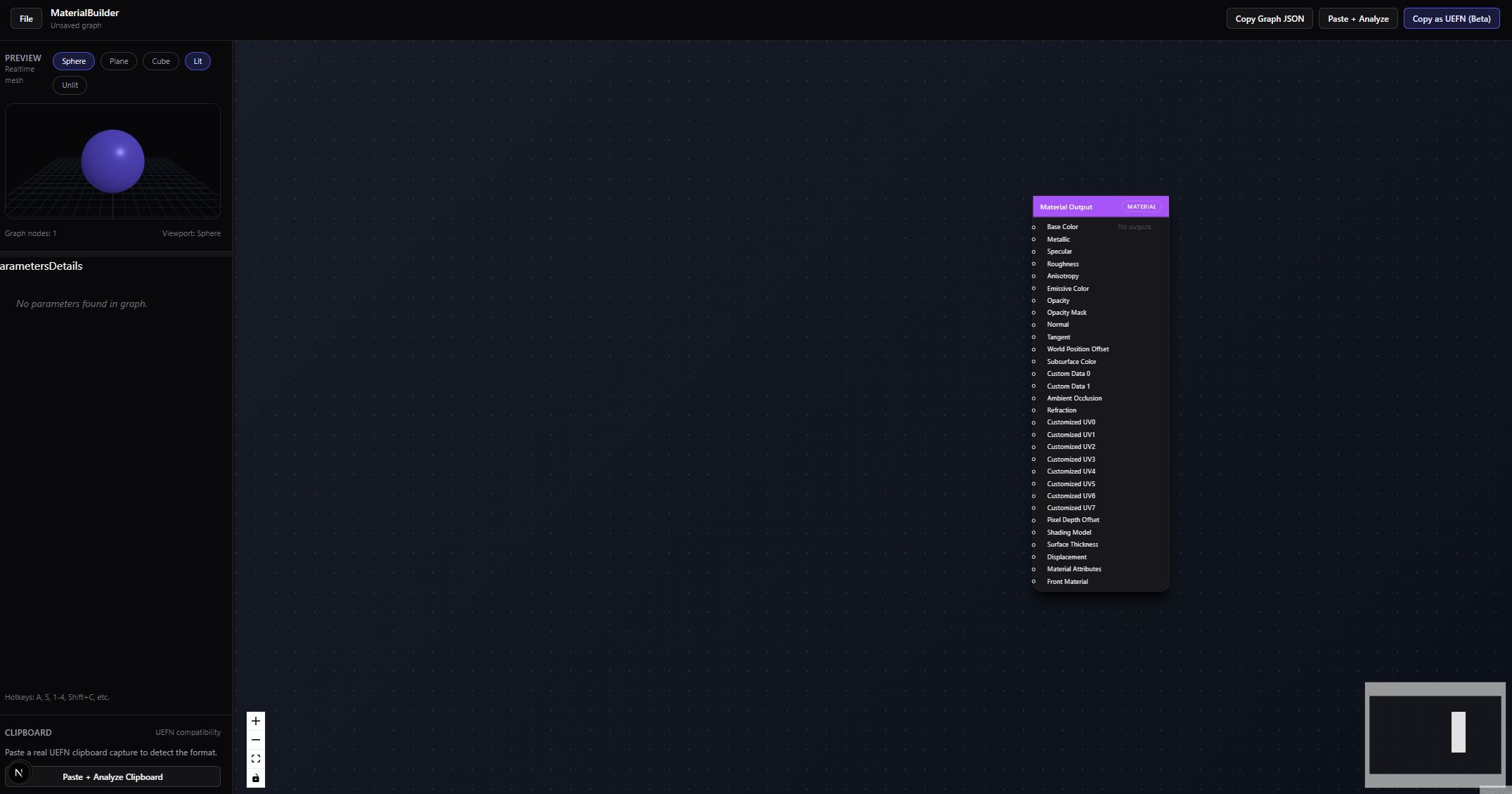 Material Builder Dashboard
The Solution (What it Does)
MaterialBuilder is a tool I built to serve as a proxy for UEFN’s material system. I can use AI models (mainly Gemini 3 Pro) to generate material graphs for me, then copy/paste them into UEFN. It’s fast, compatible, and lets me focus on creative decisions instead of technical hurdles.
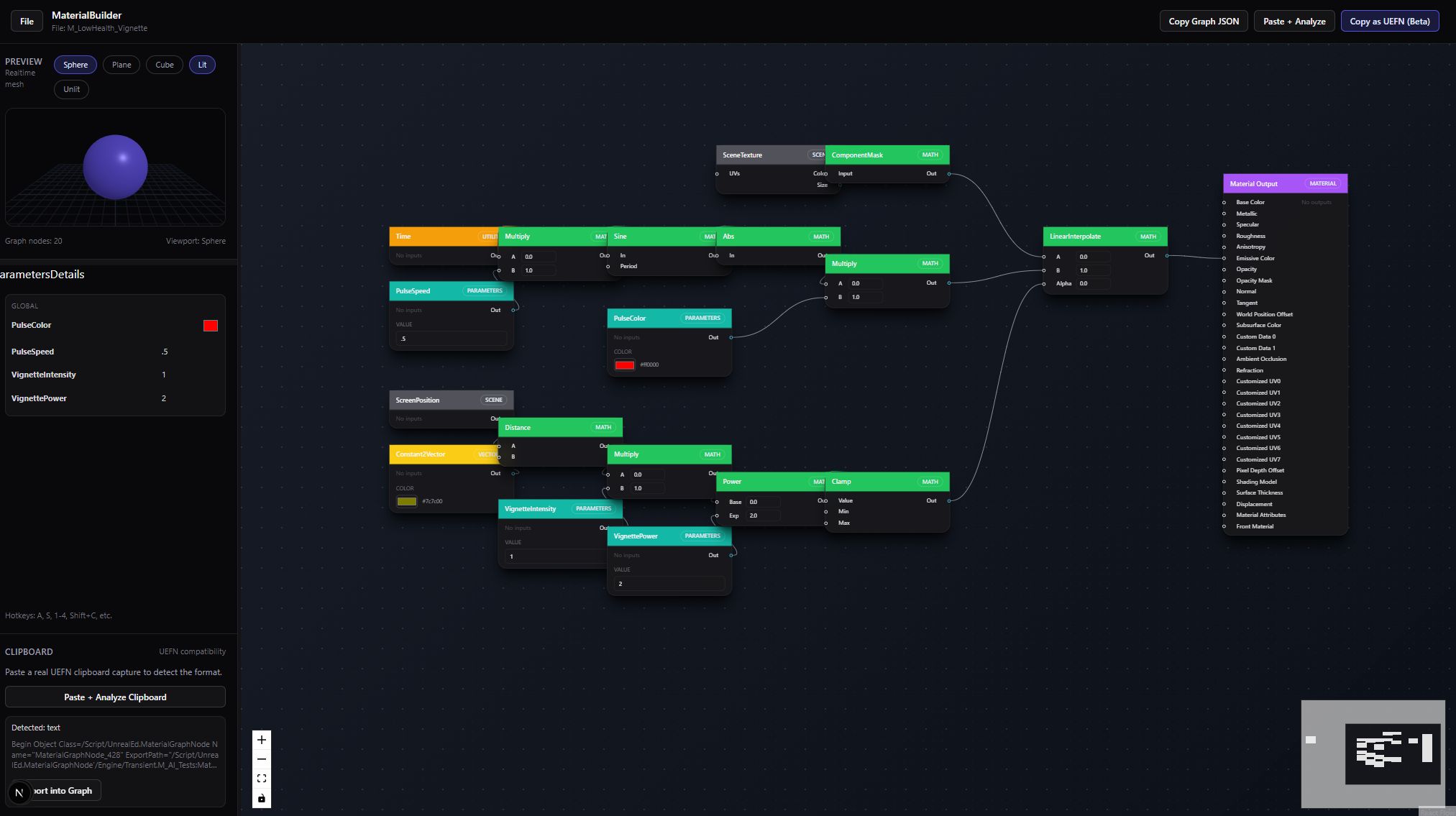 Node graph editor interface
User Story (How I Use It)
I open MaterialBuilder, describe the material I want, and let Gemini generate the graph. I can tweak parameters, export variants, and copy the result straight into UEFN. If I want a cool post-process effect or something tricky, I let the AI handle the heavy lifting while I focus on the look. It turns materials into a quick decision, not a research project.
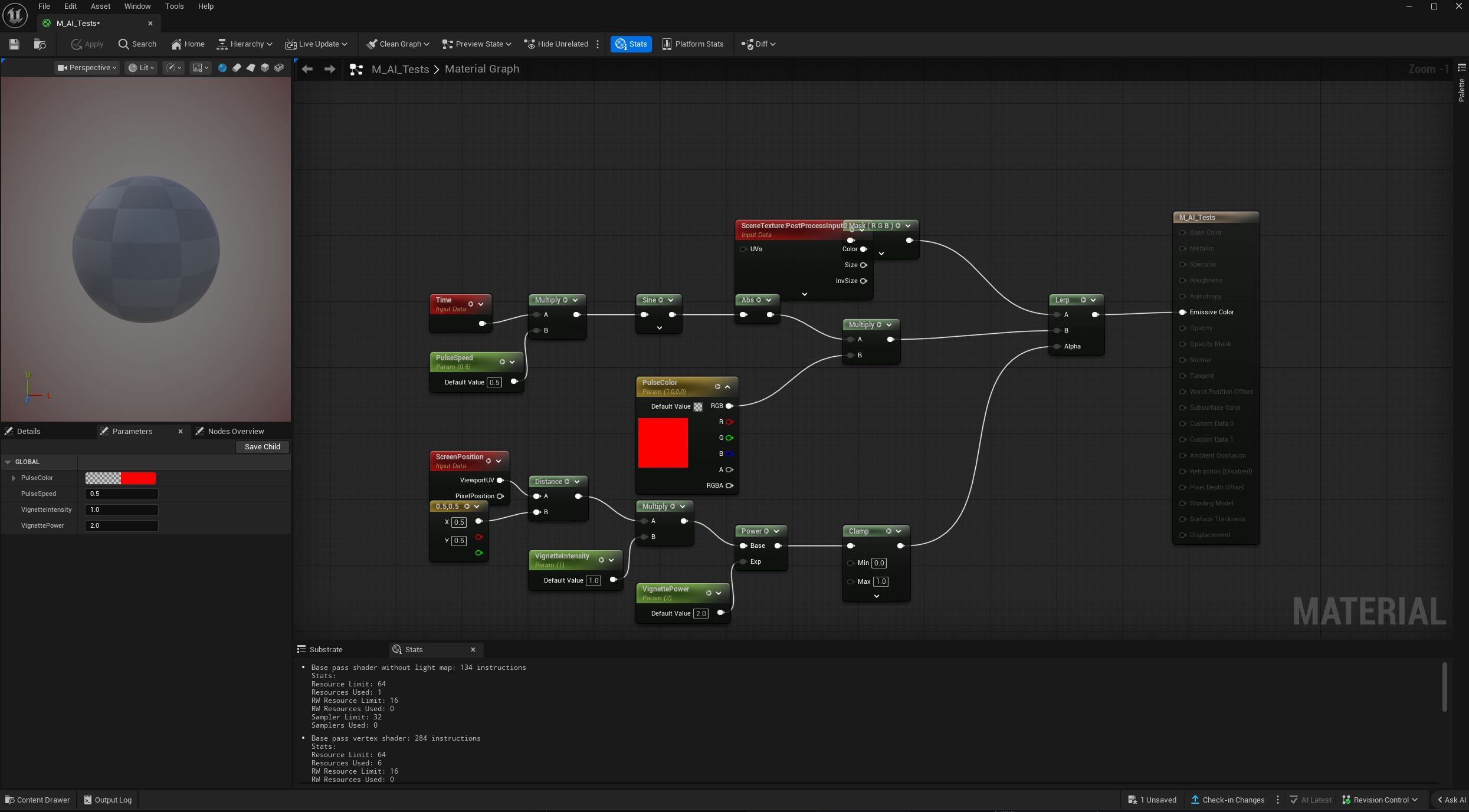 Graph pasted into UEFN
What it can do today (Draft Scope)
- AI-powered material graph generation (Gemini 3 Pro)
- Preset-driven starting points
- Fast variant export and UEFN compatibility
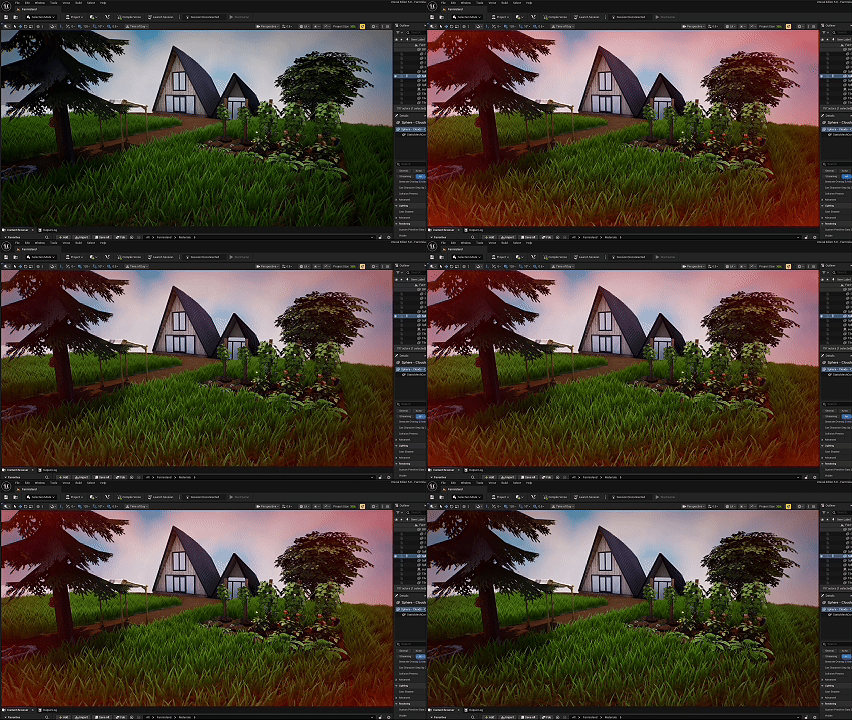 Post-processing effects in action
What it intentionally isnt
- A full node graph replacement
- A shader IDE
Its focused on fast decisions and creative flow.
Media to add later
- Presets gallery screenshot
- Tweak preview export variants GIF
- A 3x3 grid of material outputs
Summary
What it solves for me:
- Makes material iteration fast enough to stay creative.
- Produces consistent variants without manual rework.
What Ive learned:
- Most art bottlenecks are feedback bottlenecks.
- Presets matter: the starting point determines the speed.