Day 61 — Mission System Refactor & Material Graph Tooling
Context
Today was dominated by a major refactor of the Mission system. This part of the game has proven especially sensitive to architectural decisions, and previous iterations were simply too fragile to scale.
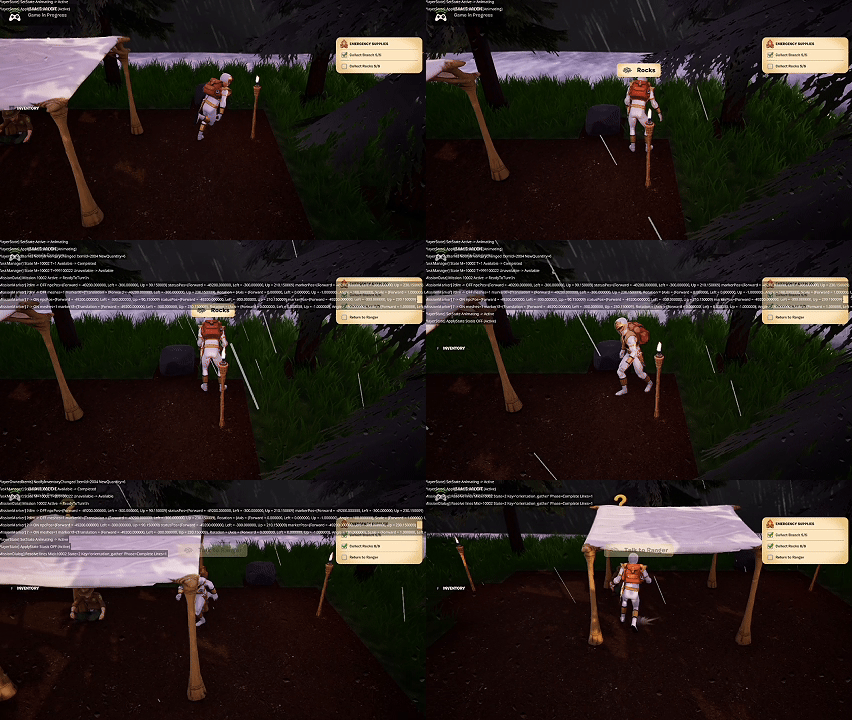 Day 61 preview
Mission System Refactor
The core issue was responsibility overload. Too many components were trying to do too much, which meant that:
- Fixing one mission edge case caused regressions elsewhere
- Small logic changes had outsized ripple effects
- The AI agents struggled to reason about the system holistically
To address this, I stepped back and redefined the requirements very explicitly, then refactored the system so that:
- Each component has a single, narrow responsibility
- Ownership boundaries are clear and enforced
- Cross-component communication is intentional rather than implicit
This refactor required multiple passes and a lot of patience, but the result is a Mission system that is finally stable and behaving as intended.
Tooling: Material Graph Editor App
Alongside the mission work, I built a Material Graph Editor app. This tool allows me to:
- Copy and paste material graph nodes between the app and UEFN
- Rapidly prototype and iterate on complex materials
- Reduce friction when experimenting with UI and world materials
This should significantly speed up future UI and material polish work.
Summary
What I accomplished:
- Completed a large-scale refactor of the Mission system
- Reduced fragility by enforcing strict component responsibility boundaries
- Stabilized mission logic across multiple use cases
- Built a Material Graph Editor app for faster material iteration
What I learned:
- Fragile systems are often a sign of blurred ownership
- Clear responsibility boundaries make AI-assisted coding far more effective
- Investing in tooling pays off immediately when iteration speed matters