Island Crossing Admin — Scalable Live Ops Management
Context / The Problem
Managing all the data for Island Crossing in Verse code is easier than using creative_devices, but at scale, it’s hard to keep track of everything. I needed a front-end to manage content and live ops—missions, items, events, Discord bots—without digging through code or markdown docs. I wanted to be able to add missions, tweak parameters, and manage live events from one place.
The Solution (What it Does)
Island Crossing Admin is a dashboard I built to manage the game like a product. I can create and edit missions, manage items, schedule live ops events, and even control Discord bots for community updates. It surfaces all the parameters I need, so I don’t have to hunt for them. Eventually, it’ll let me manage live events and feedback loops, all from one place.
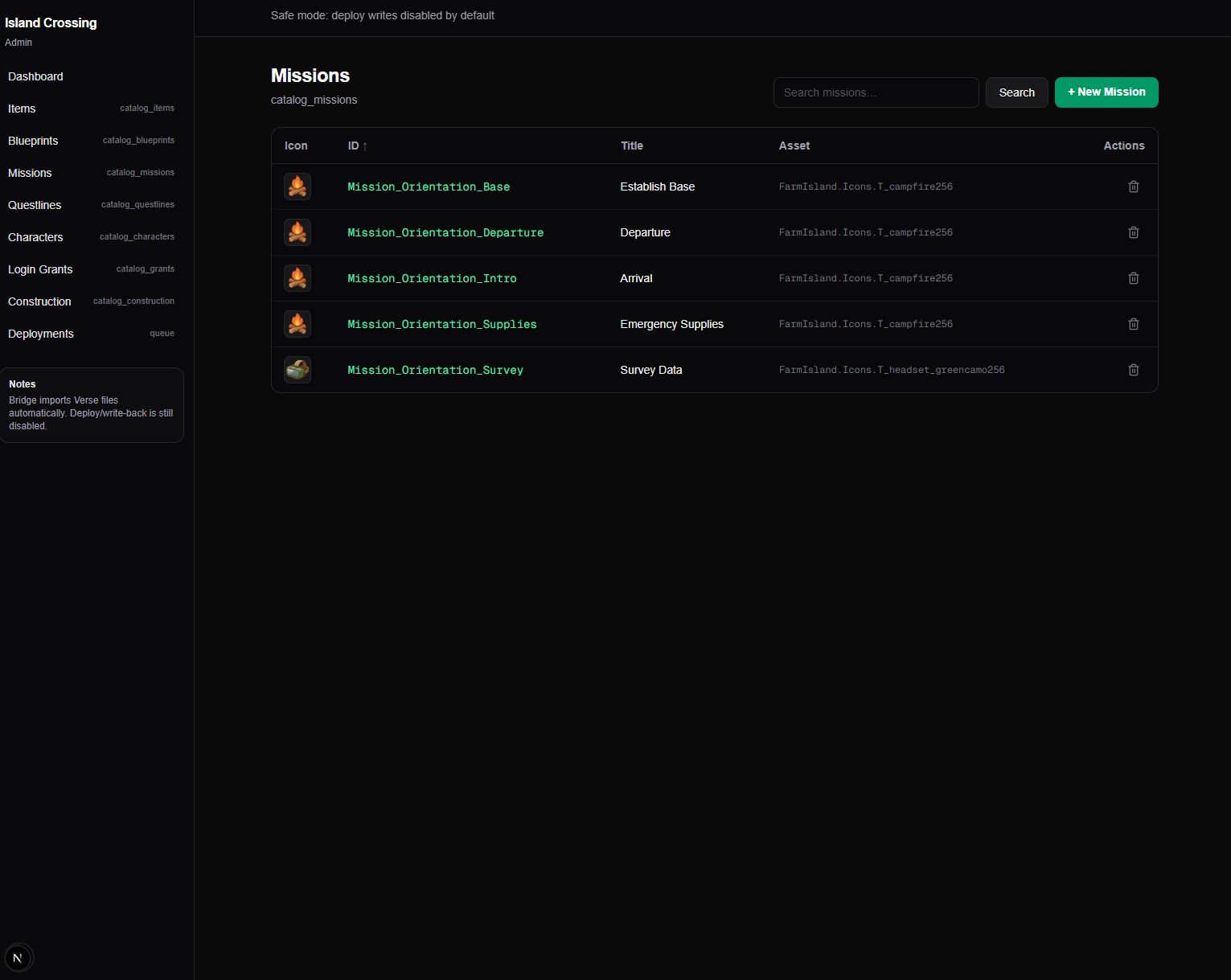 Missions Dashboard
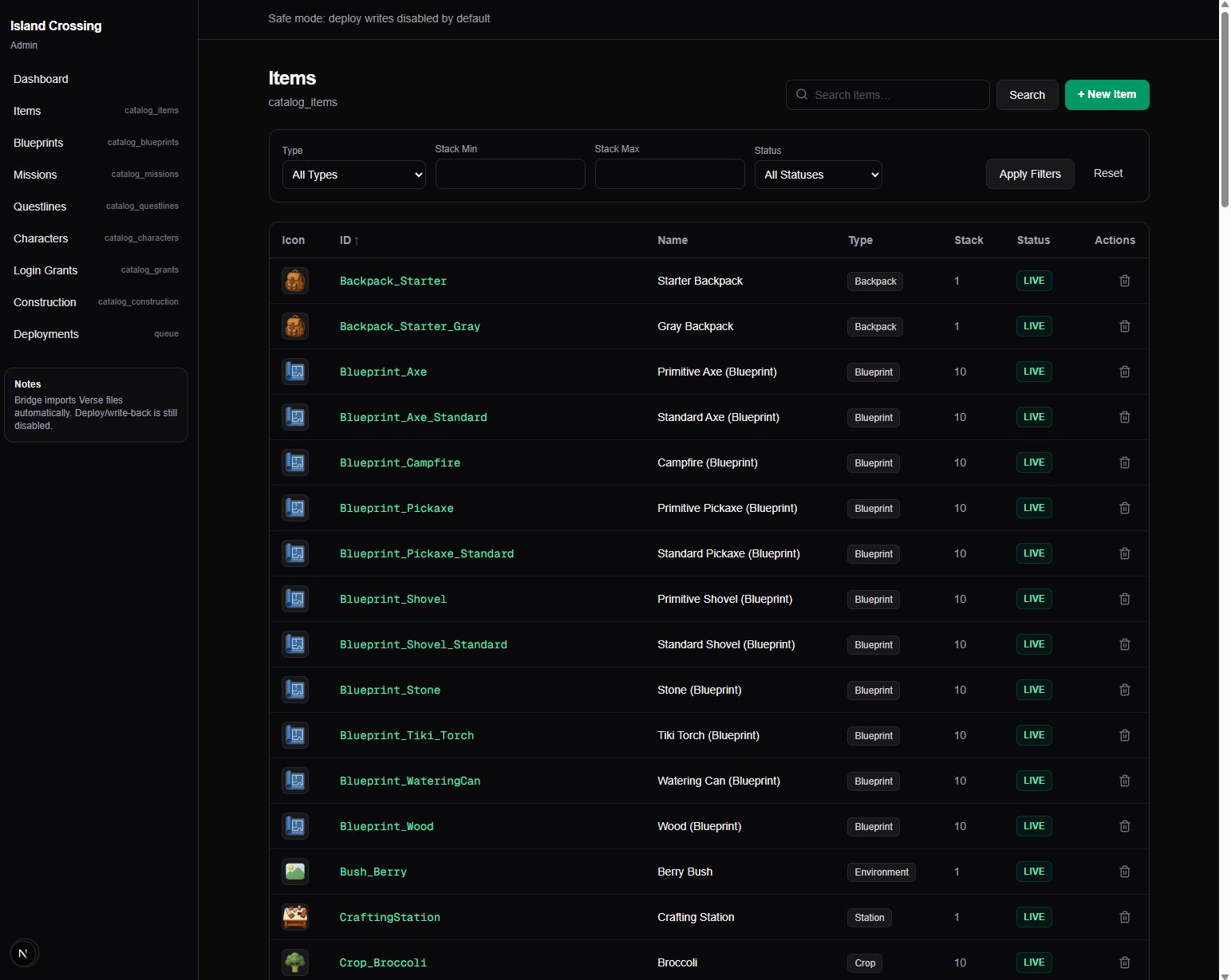 Items Manager
User Story (How I Use It)
I open the Admin dashboard, pick a mission or item to edit, and see all the parameters in one place. I can add new missions, tweak settings, and push updates without touching code. If I want to schedule a live event or update Discord, it’s all right there. It turns content management into a fast, interactive process instead of a scavenger hunt.
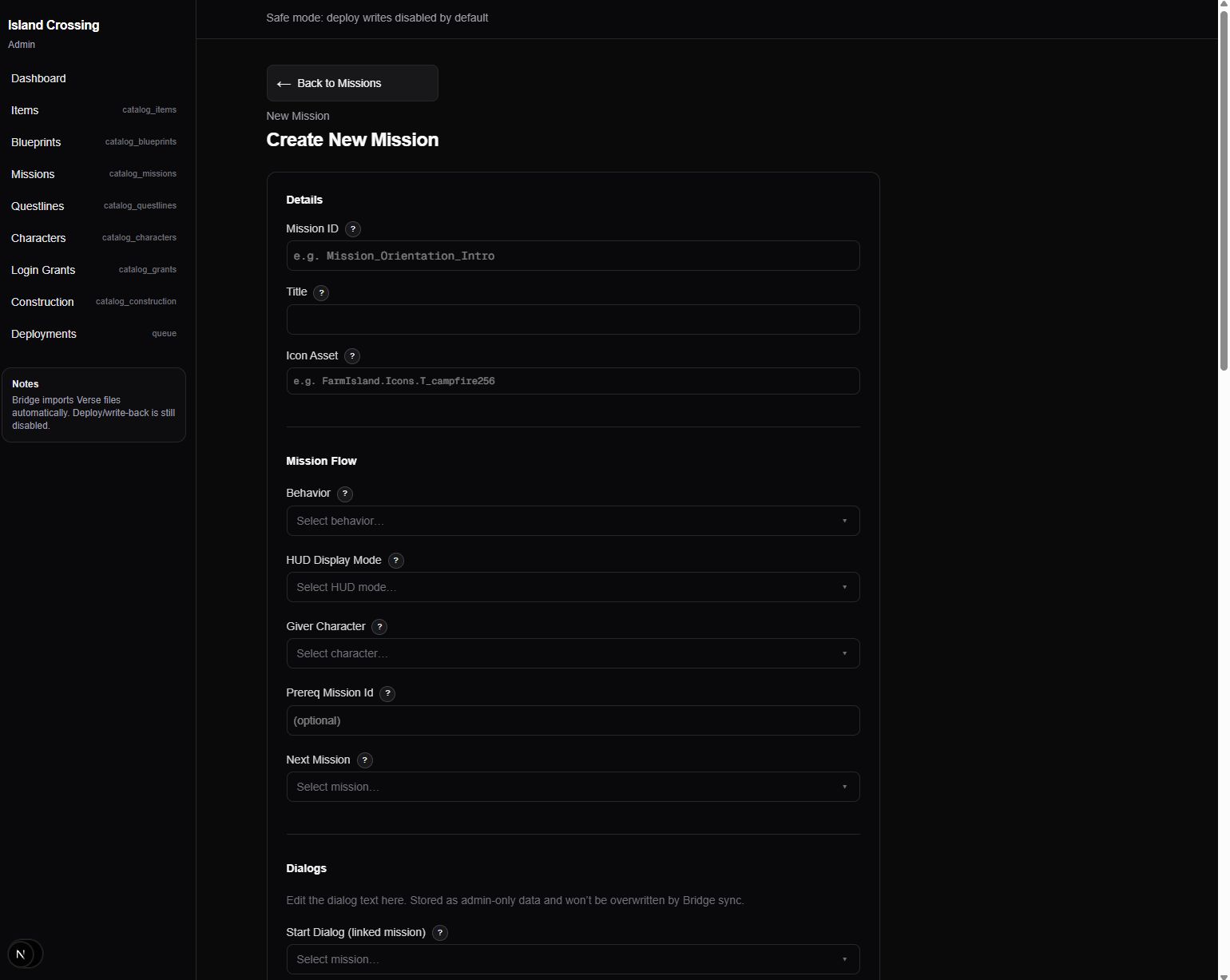 Create New Mission
What it can do today (Draft Scope)
- Manage missions, items, and parameters
- Schedule live ops events
- Control Discord bots for updates/feedback
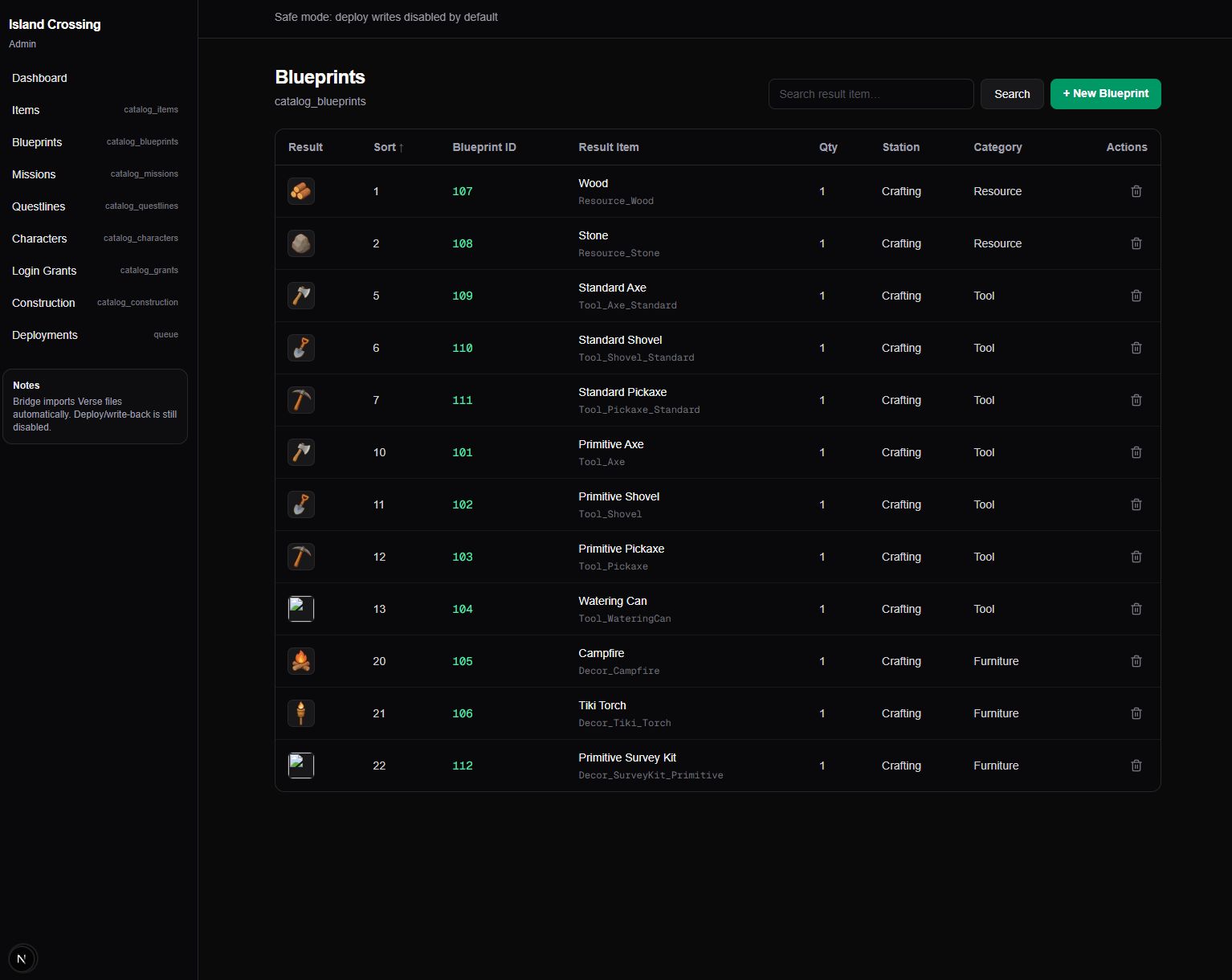 Blueprint Items
What it intentionally isn’t
- A public-facing tool
- A substitute for logging
It’s built for my inner loop: test → learn → ship.
Media to add later
- Dashboard overview screenshot
- “Find player state → reset mission step” GIF
- Live update panel screenshot
Summary
What it solves for me:
- Makes playtests and content management productive instead of exhausting.
- Reduces time-to-root-cause when bugs show up.
What I’ve learned:
- Admin tools are part of the product, not a luxury.
- Observability is a force multiplier for iteration speed.